Skip to content

A platform for event organisers

Event management system: tickets, check-in and team in one workspace

Open ticket sales, admit guests by QR even without internet, and keep the budget and tasks next to the event instead of in five separate tools.

Create an eventHow it works

Demo plan: one active event, no payment.

The Ether board: tickets sold, guests admitted and still to come, plus the latest door marks in real time.

  • Check-in works without internet
  • One ticket admits once
  • Five roles with different rights
  • Interface in Russian, English and Thai

Event data usually lives in five places

Tickets sell in one service, guests sit in a spreadsheet, the door checks a printout, and the budget lives in someone's notes. By the start of the event the numbers disagree, and reconciling them is manual work.

In EventOS it is one chain. A paid order produces a ticket with a QR, the QR opens the door, and the door mark lands in the report.

Five jobs of an event in one place

Sell

Ticket types with a price and a limit, promo codes, a waiting list. You build the event page from blocks and pick a theme, and a pre-publish check suggests what to fix for search. At the door you can take payment in cash, by terminal or by transfer.
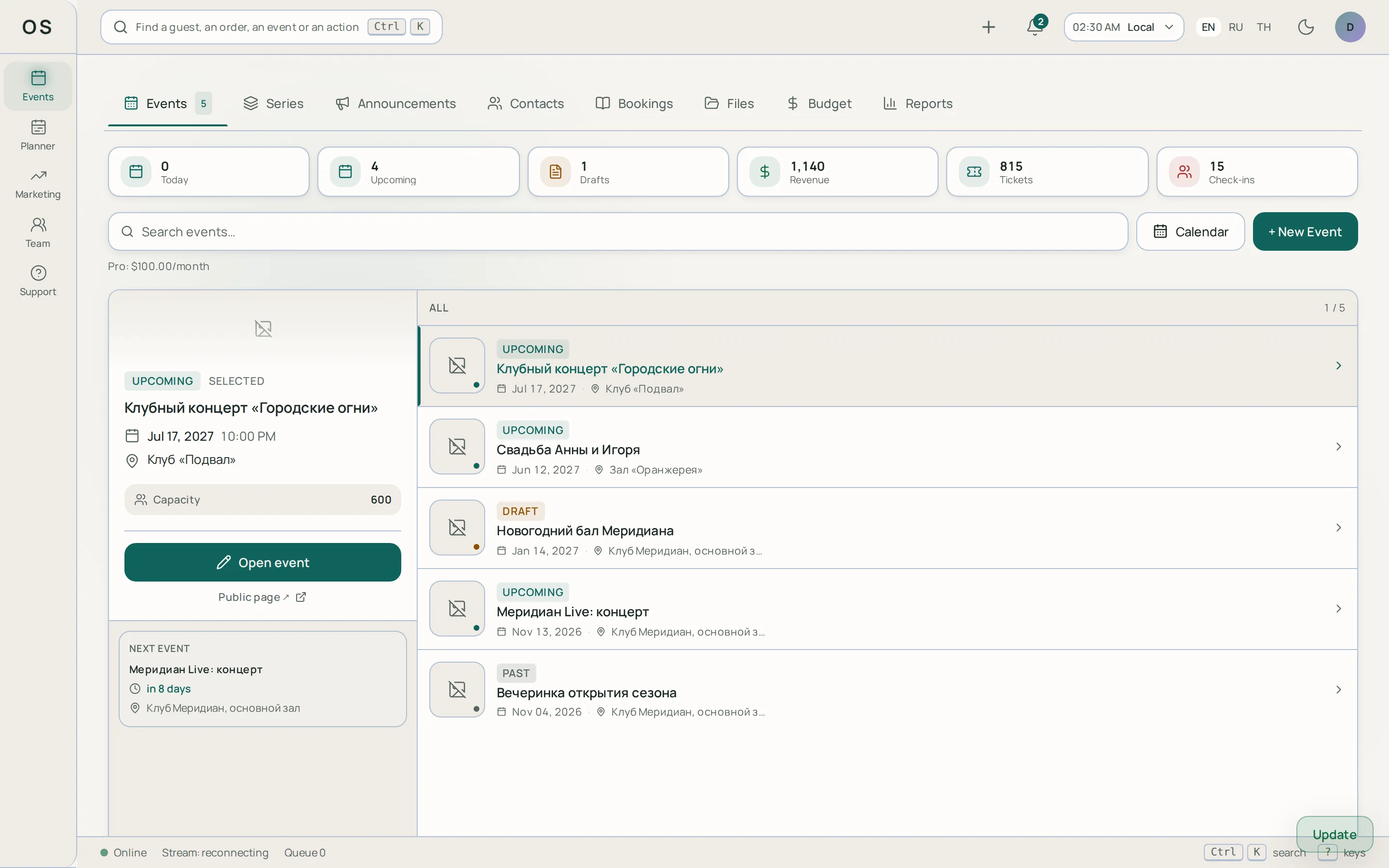
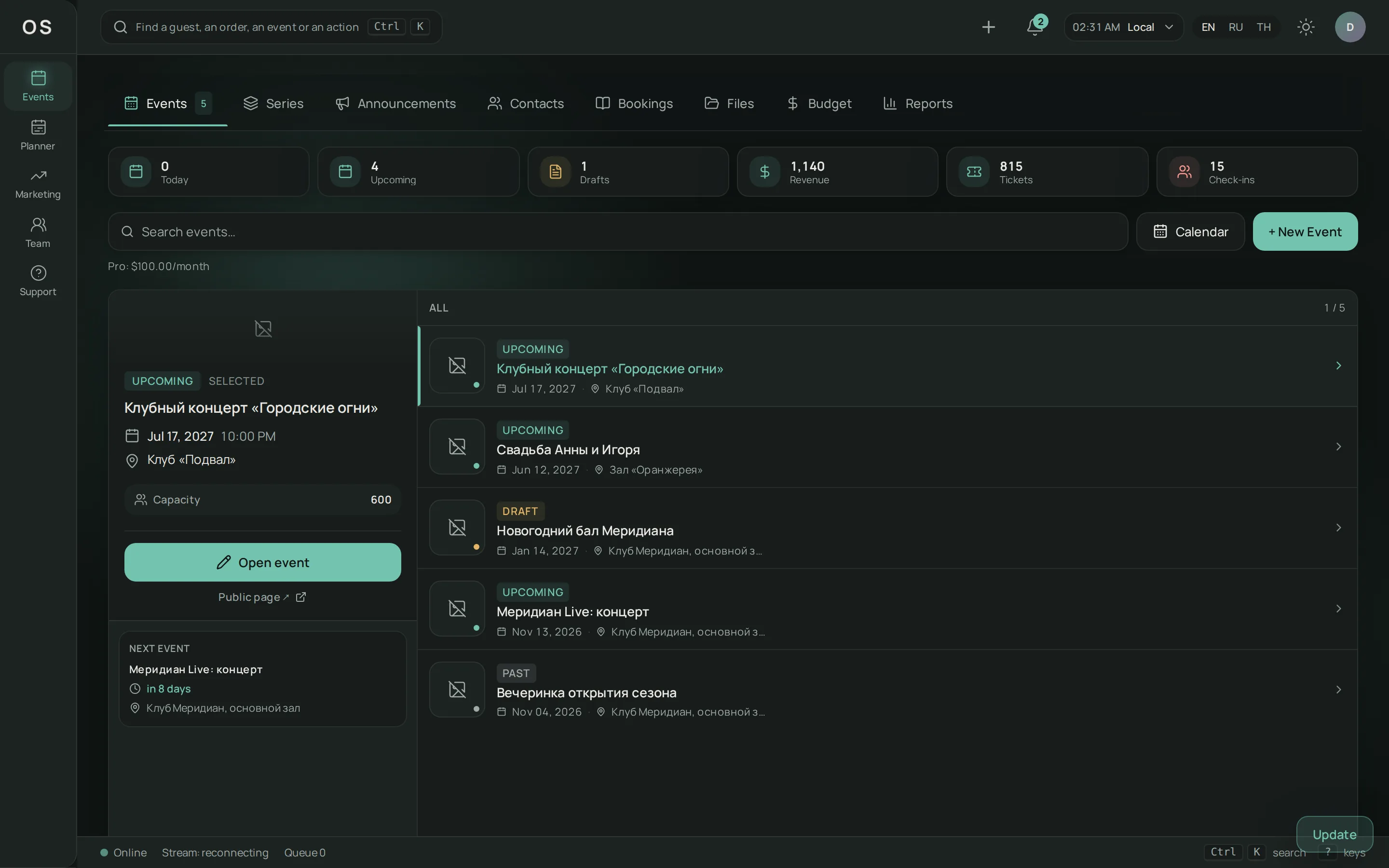
The EventOS workspace: ticket types and sale settings of an event.

Admit

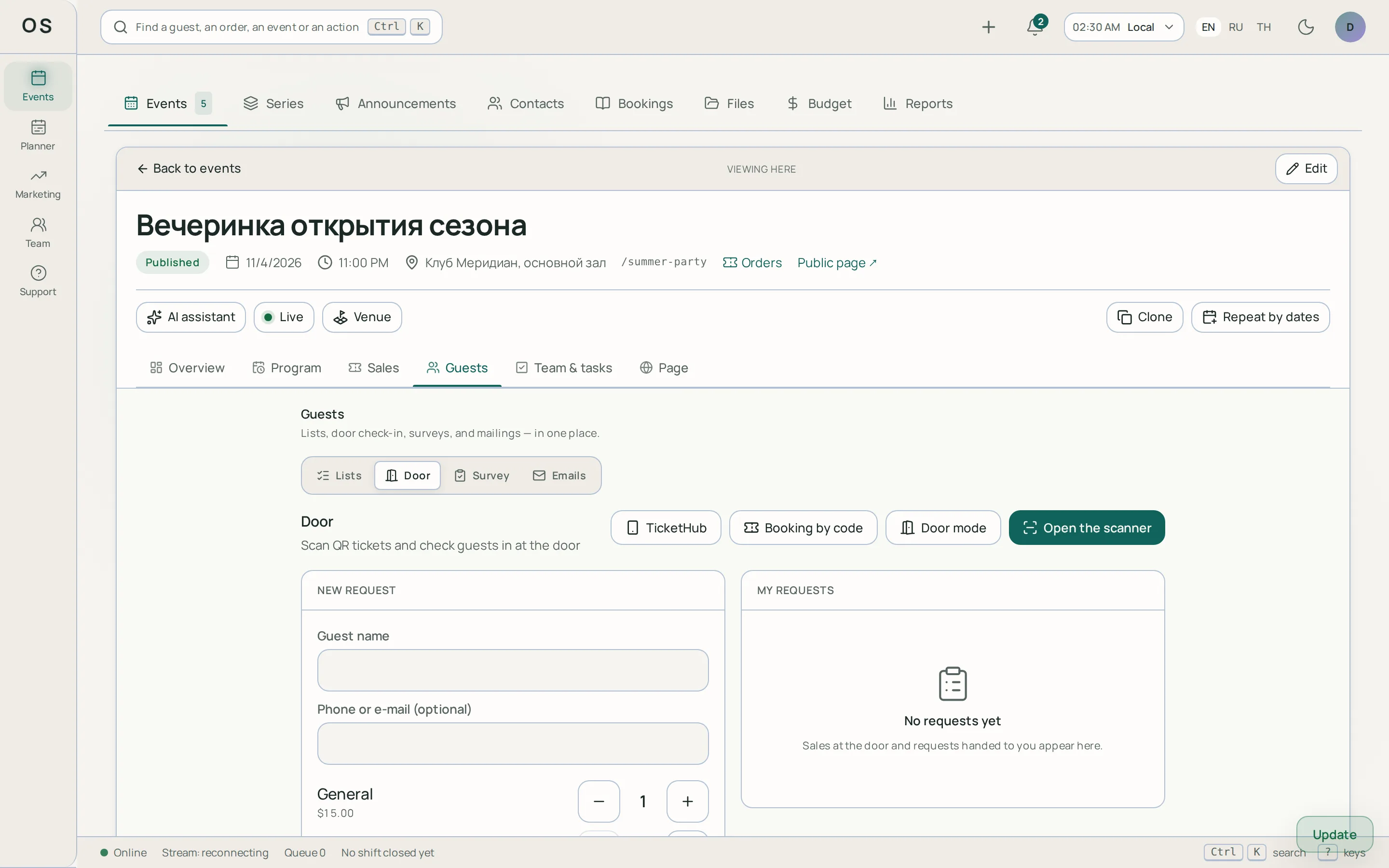
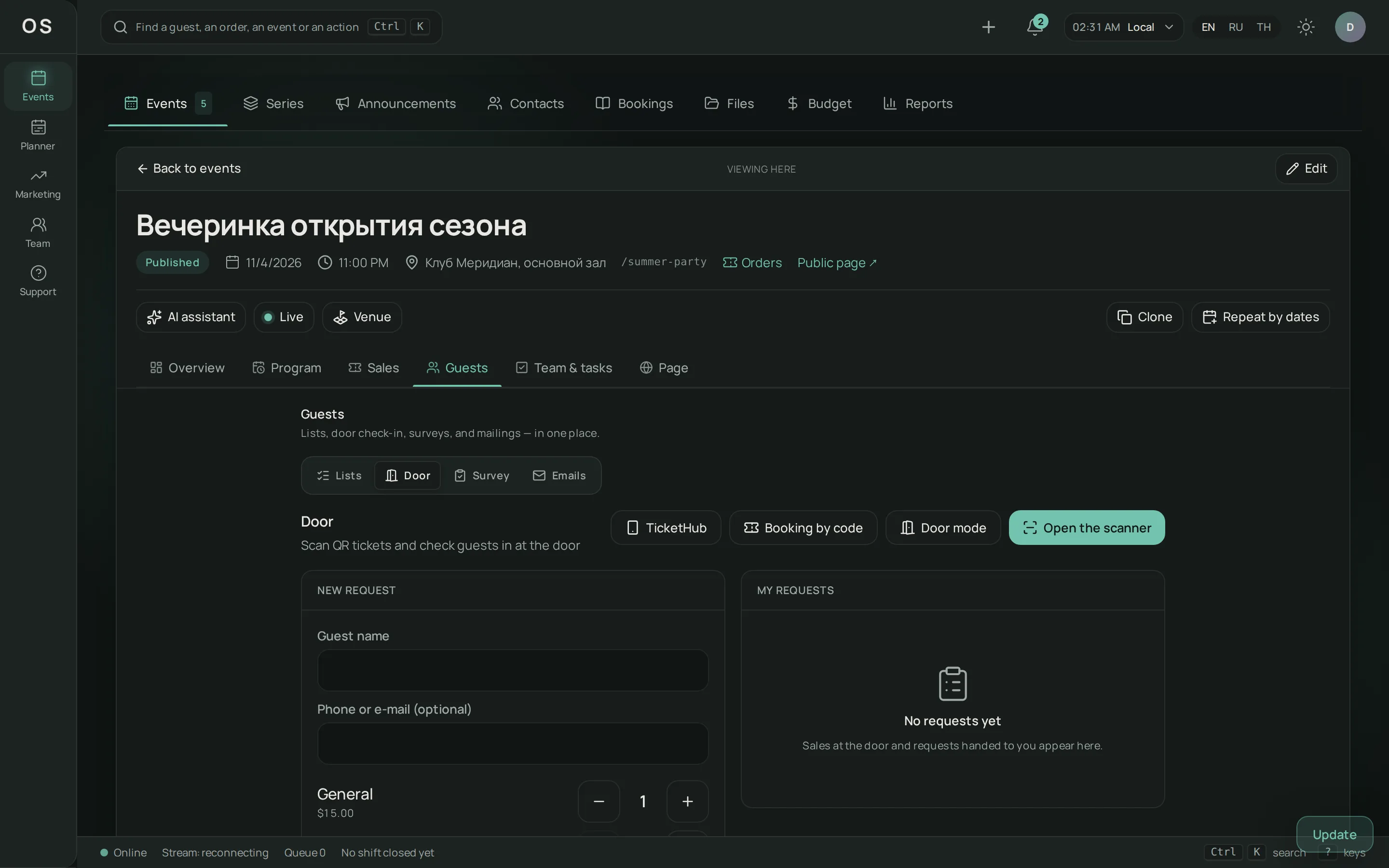
Check-in runs in the browser: a staff member points a phone camera at the ticket QR. A handheld QR scanner works too, and the code can be typed by hand. Without a network the door checks the ticket list already loaded on the device and queues the marks. When the connection returns, the server confirms each one. One ticket admits once.

The EventOS door scanner: a ticket mark and the guest's status.

Build the team

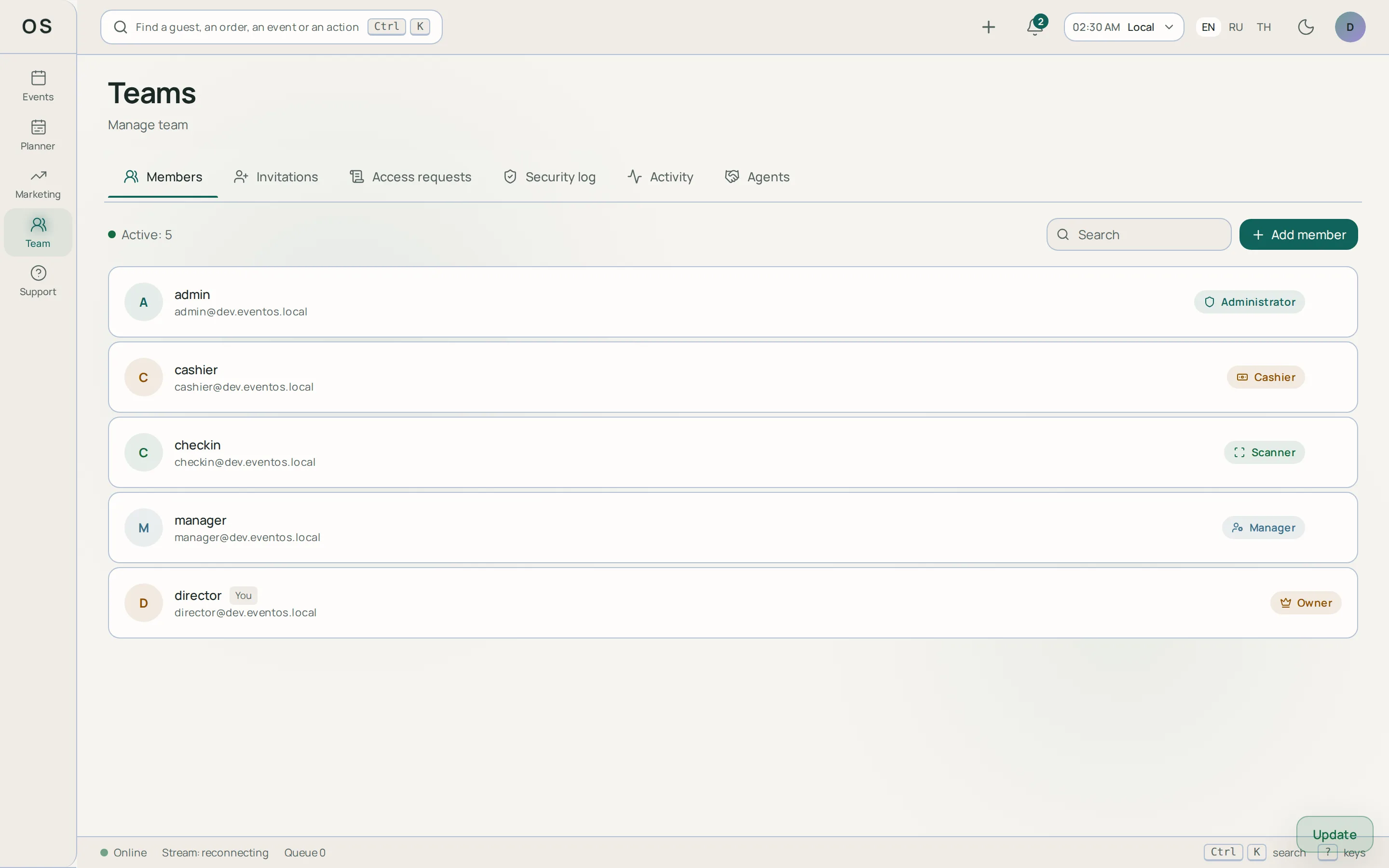
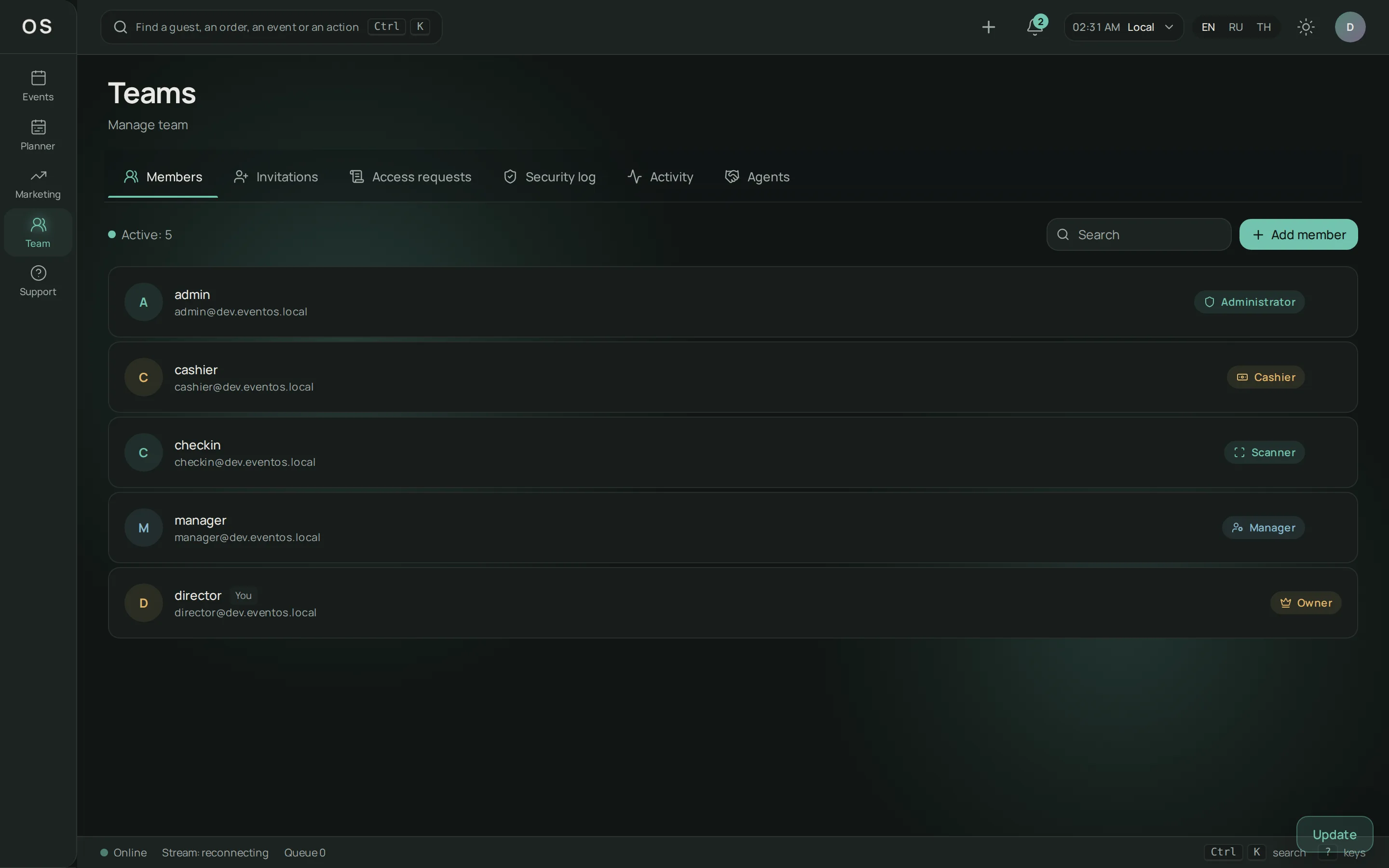
Owner, administrator, manager, door staff and observer: each role has its own rights. Invitations arrive by email. Signing in to the workspace can be protected with an authenticator-app code.

The EventOS workspace: the organisation's team and member roles.

Close the books

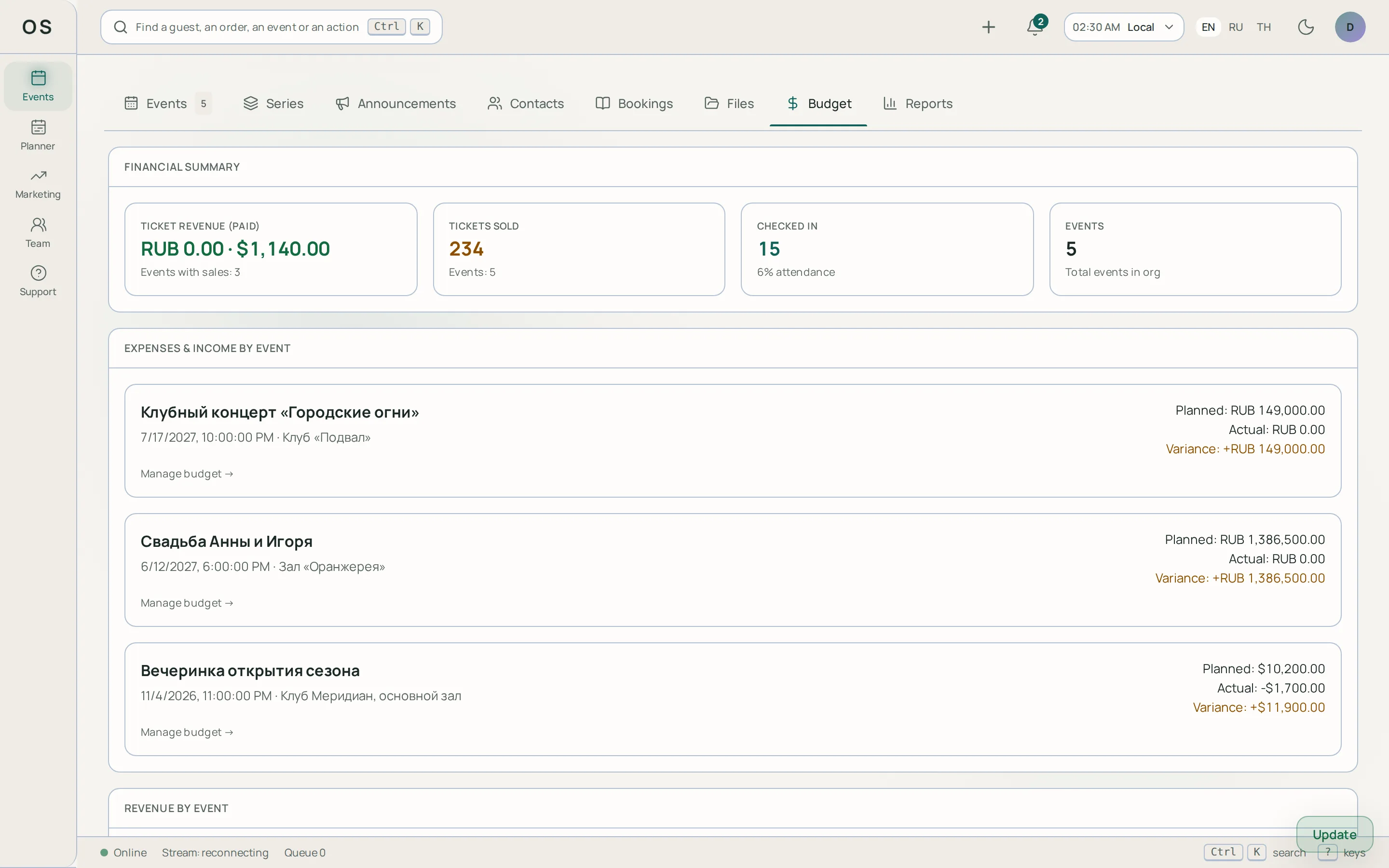
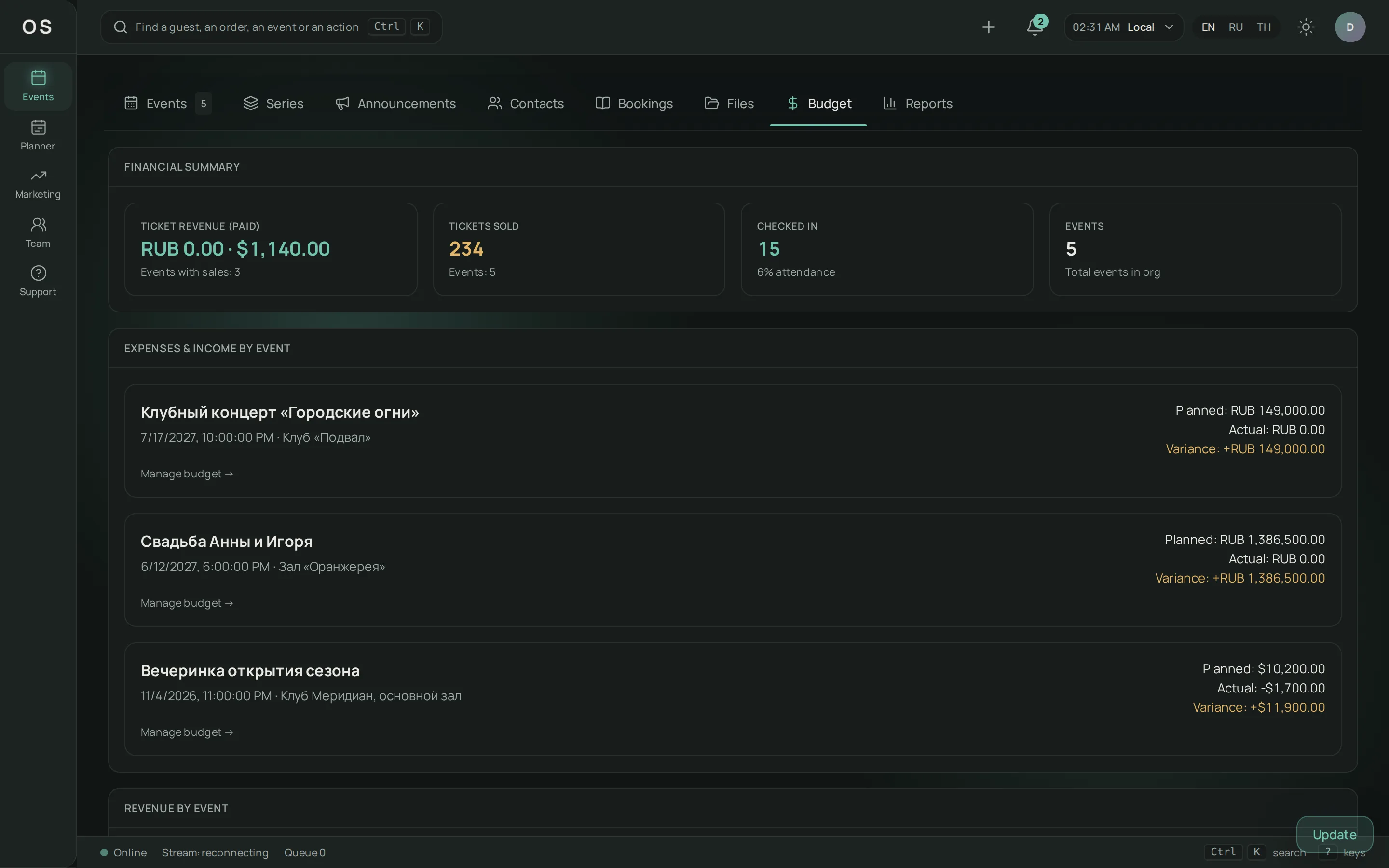
An event budget with plan and actuals, tasks with assignees and deadlines, sales and channel reports. Tables export to CSV.

The EventOS workspace: an event budget, plan and actuals.

Bring guests

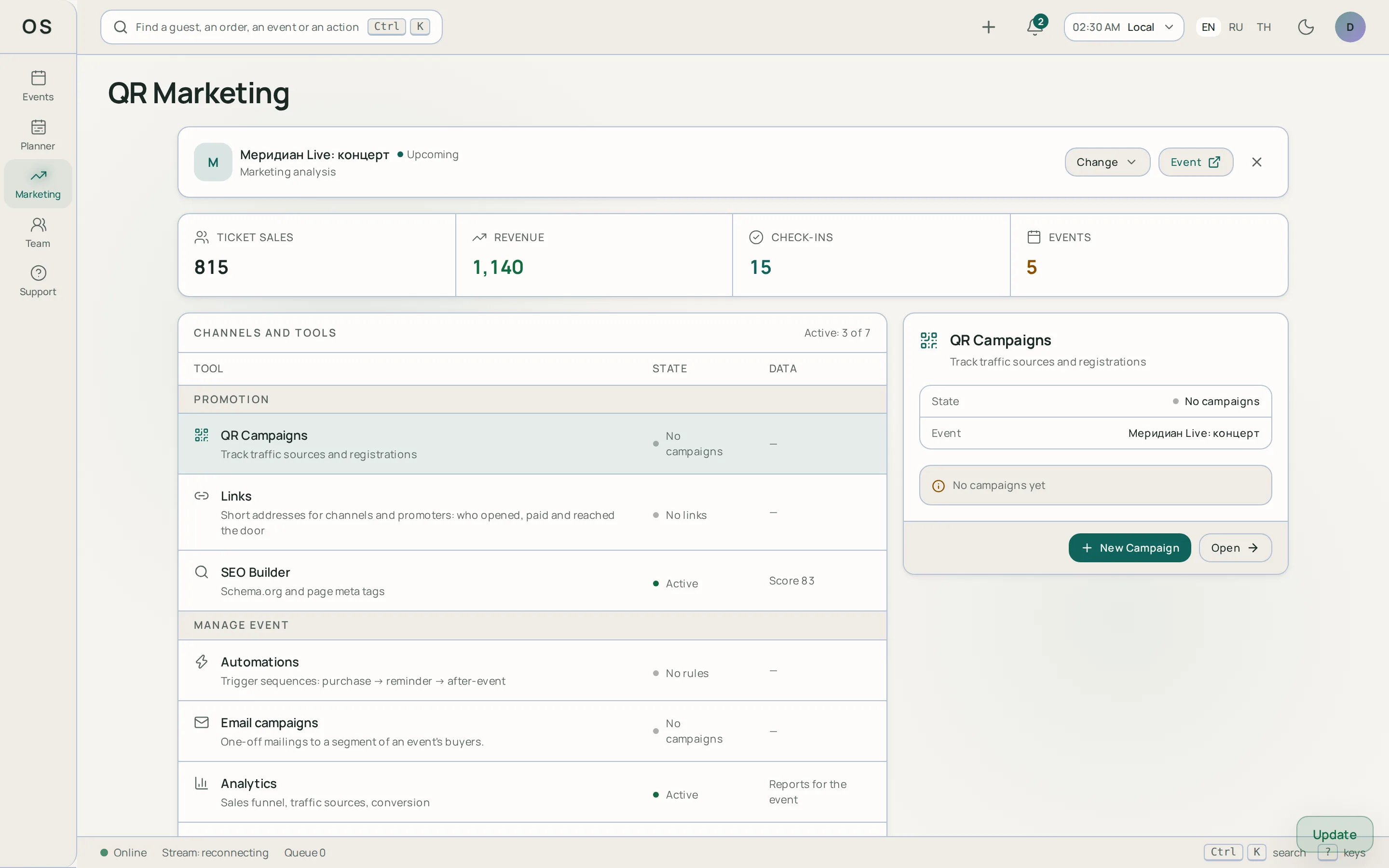
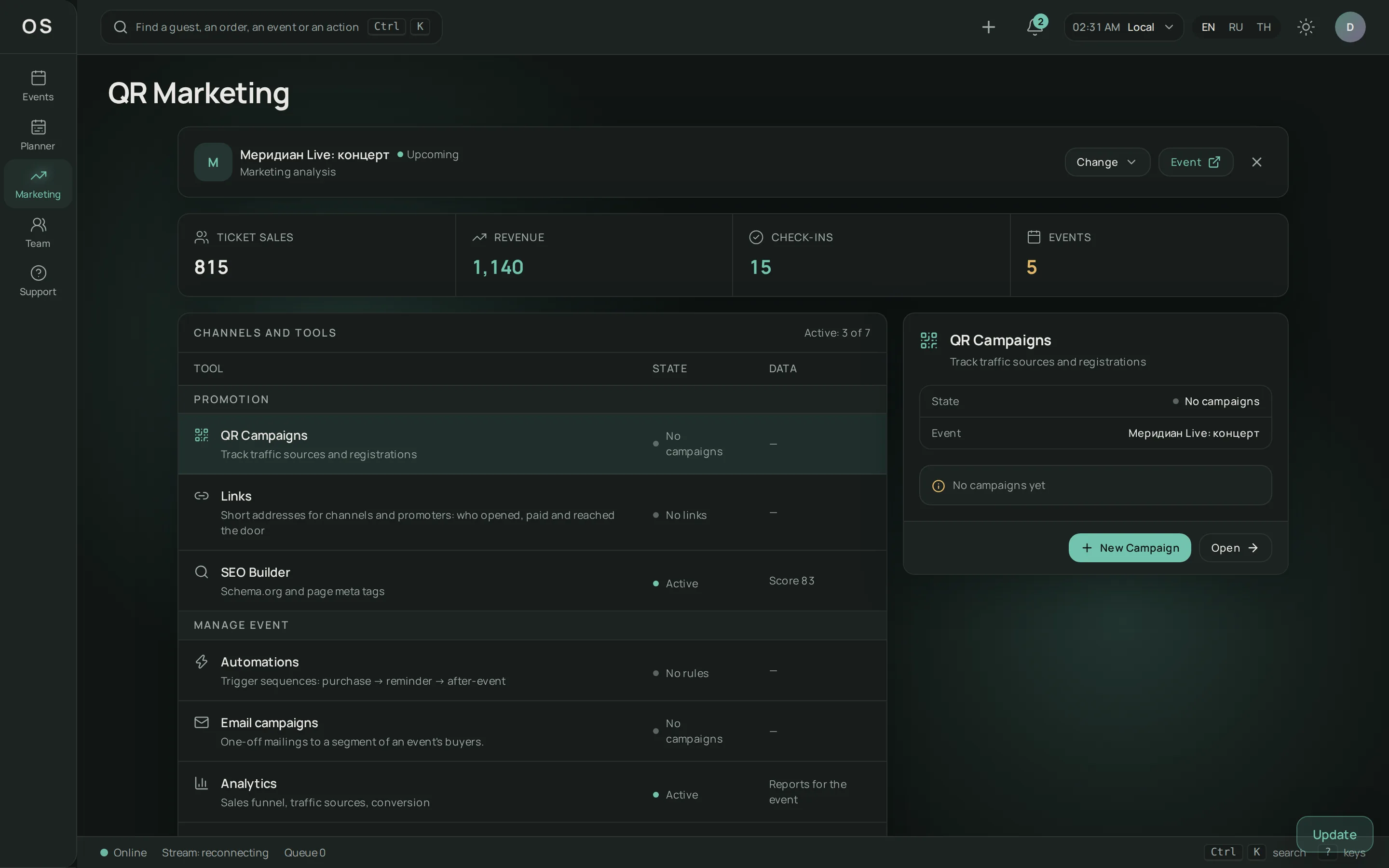
QR codes with tags for posters and flyers, a referral programme, a guest survey after the event. The tags show which channel brought the buyers.

The EventOS workspace: channel tags and visit statistics.

From draft to final report

  1. Create the event.

    Name, date, venue and ticket types.

  2. Publish the page.

    Blocks, a theme and a check before publishing.

  3. Sell.

    Orders appear on the Ether board at once, the whole team sees the numbers in real time.

  4. Admit guests.

    The scanner, door mode and guest lists.

  5. Wrap up.

    The report, CSV export and channel breakdown.

If the connection drops or a QR gets forwarded

The door checks the ticket list already on the device and records marks locally. The queue goes to the server when the network returns, and the server resolves the disputes. So load the list in advance, while there is a connection.

A ticket admits once. We verify it with an automated test: eight staff members scan one ticket at the same time, one gets in.

If the order is unpaid, the scanner says so, and payment can be taken right at the door.

What you can connect

Telegram bot

The team gets notified about important events in Telegram.

Your own domain

The event page opens on your own address. The domain is confirmed with a DNS TXT record.

Embedding

The event page can be shown in a frame on a partner's site.

More about integrations

What we verify automatically

Check-in

Eight staff members scan one ticket at the same time, one gets in. The test runs on every build.

Organisation data

Every API route has a test: a member of another organisation gets a refusal, not data.

Money

Amounts are stored as whole numbers in the smallest currency unit, and a repeated payment request does not create a second payment. That is why the order, the refund and the report agree.

How this is verified

The tests live next to the code and run on every build. For check-in that is a run of concurrent database requests, not a paraphrase of the documentation.

Start on the demo, pay when there are more events

Demo

$0

One active event and up to 100 tickets. Paid sales carry a 2% platform fee, free tickets carry none.

Try it

Boxed

on request

EventOS on your own server, under a licence.

Request it

Subscription ended? Everything keeps working for three more days, then the organisation returns to the demo. Created and published events keep working. Cancel any time — the subscription runs to the end of the paid period.

Have a promo code? It is credited to the organisation's wallet and pays for the subscription or a platform invoice.

All terms

Questions

What does EventOS cost?

The demo is free: one active event and up to 100 tickets; paid sales carry a 2% platform fee, free tickets carry none. The Pro subscription lifts the limits and takes no fee. A boxed version for your own server is on request. Details are on the pricing page.

What happens when a subscription ends?

Everything keeps working for three more days, then the organisation returns to the demo. Events already created and published keep working; new ones above the limit cannot be created.

What if there is no internet at the door?

Check-in verifies the ticket list already loaded on the device and writes marks to its memory. When the connection returns, the marks go to the server. The list loads in advance, so open the door screen on a connection before the event starts.

What if one QR is scanned twice?

A ticket admits once. A second scan shows that the ticket was already used, and when. If two staff members scan one ticket at the same time, the system lets only one through. One caveat: offline, a device does not know the ticket was used on another one, so the mark is queued and the repeat is resolved at sync. With several entrances, keep a connection.

How does a guest get a ticket?

After payment, an email with the ticket and its QR code arrives. Tickets and the order are also in the guest's workspace: sign in with a code sent to the same address. The order can be managed from the link in the email.

Is a separate scanning app needed?

No, check-in works in the browser. A staff member points the phone camera at the ticket QR; a handheld QR scanner works too (it types the code like a keyboard), or the code can be entered by hand. The camera works on an https page after you allow access in the browser. Door devices can be registered in the organisation and pinned to an exit.

Can the event page be embedded on my site?

Yes. The page can be shown in a frame on your site or opened on your own domain: the address is confirmed with a DNS TXT record. The page's theme sets how it looks.

What languages does EventOS work in?

The interface and pages are available in Russian, English and Thai. The language is picked with the switcher.

Request a demo

Tell us about your event — we will show how EventOS handles exactly your case.

Required fields are marked *

By sending the form you agree to the processing of personal data.

Create your first event

The demo plan needs no payment. When there are more events, add Pro.